

The problem with jigs on a flatbed
Today we’re starting with a question: how do you make printing on notebooks faster?
On a standard flatbed printer, notebooks are placed in a jig on the table. The jig is made so that the operator has to put each notebook in exactly the right slot. It also often stops the print from reaching the edges, so a true edge-to-edge design is hard to achieve.
The bigger issue is time. Production can’t run continuously. After every print, someone has to take the notebooks out, refill the jig and start the job again. On top of that, everything has to be measured and lined up before each run.


We kept asking ourselves how to make this better. With a standard flatbed, it simply isn’t possible. That’s why we built the TX 800 with a camera.
Let the camera find the notebook
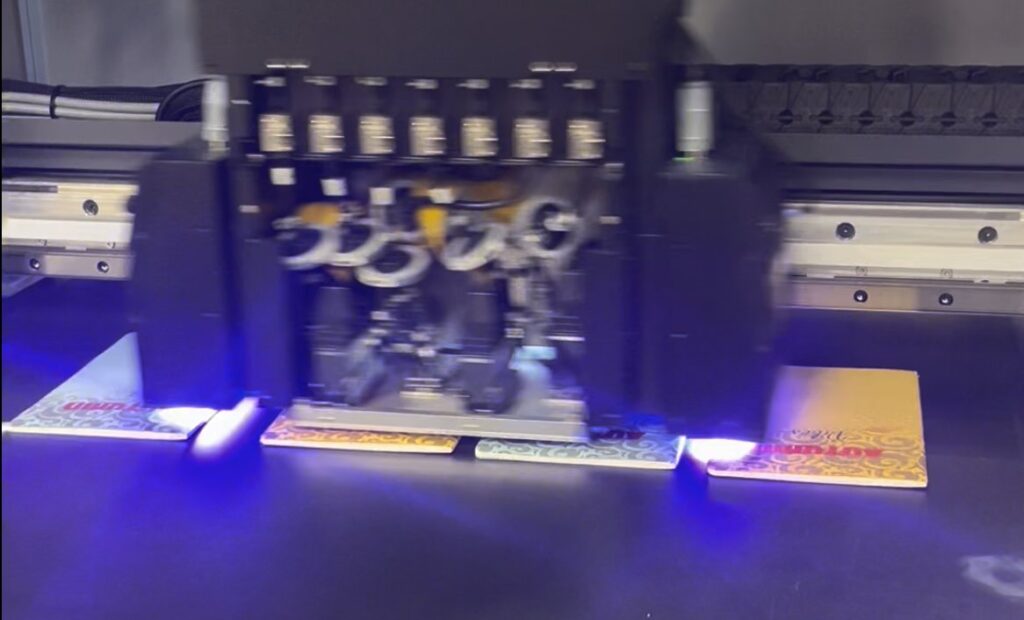
The TX 800 detects each notebook on its own and prints it without you having to position it precisely. The camera scans the outline of the product and knows where it is, how it’s placed and where to print. The TX 800 does that work for you.
Faster setup, easier artwork positioning
First, the camera scans the product, works out its position and sends that information to the machine: exactly where the product sits on the belt and where the print should go.
You don’t have to spend time positioning notebooks or placing them perfectly. Just lay them on the belt and the TX 800 takes care of the rest.

Printing that doesn’t stop
The camera and conveyor belt together let you print without breaks. Add a simple automatic feeder and a single operator can look after the machine. Even when they go on a break, the TX 800 keeps printing.
Jig on a flatbed vs the TX 800
| Flatbed with a jig | TX 800 with camera | |
|---|---|---|
| Loading | Each notebook into its exact slot | Laid anywhere on the belt |
| Edge-to-edge print | Often blocked by the jig | Yes |
| Setup | Measuring and lining up before each run | Camera finds the position |
| Production | Stops after every batch | Continuous, with a feeder |
| Operator | Has to stay at the machine | One person, the machine keeps going during breaks |
Less work for your operators, lower cost for you
The TX 800 makes life easier for you and your operators. It saves production time and cuts the cost of every notebook you print.
Not just notebooks
The same camera positioning works for other flat products laid on the belt: cards, packaging, pens, anything that can be printed flat.
Printing notebooks, cards or other flat products and want to see the TX 800 at work?
Send us a few of your notebooks and we’ll show you a test print, or book a demo.